| Home | Milky Way | Learning | About DTL | Galleries | How-to PDFs | Contact | Prints | Reviews |
| Fellow photographers. This is my video series on complete post processing workflows. In this video series I show 10 examples of how I post process images from the original raw file to the final edit using Lightroom and Photoshop. Some examples I use Lightroom only, some Photoshop only, while others use both. In Photoshop I use the TK9 plugin for many tasks, but where applicable, I show the equivalent native Photoshop tools and menu items. | |||
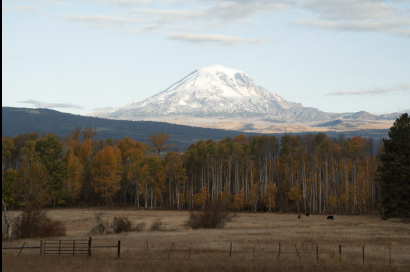
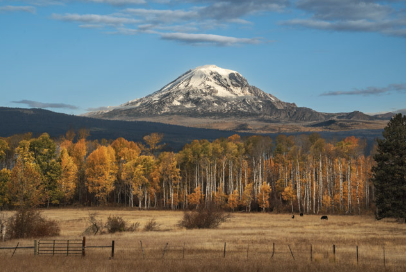
| Before | After | ||
|

|
||
|
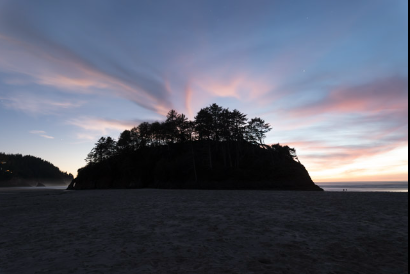
Chapter 1: Single Exposure Blend in Photoshop |
|||
|
|
||
|
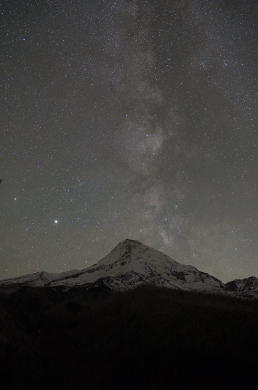
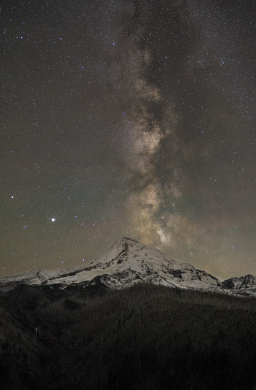
Chapter 2 and 8: Milky Way Processing |
|||
|
|
||
|
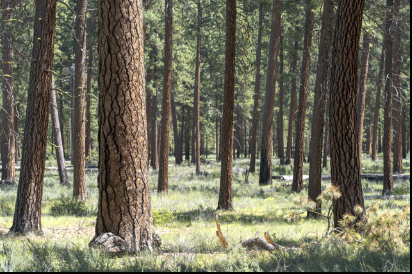
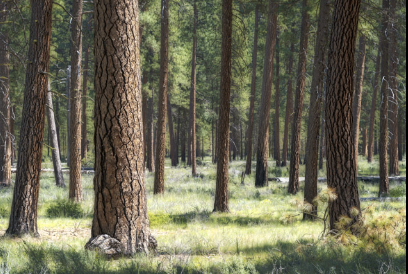
Chapter 3: Adding Depth |
|||
|
|
||
|
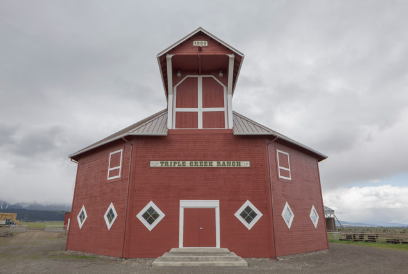
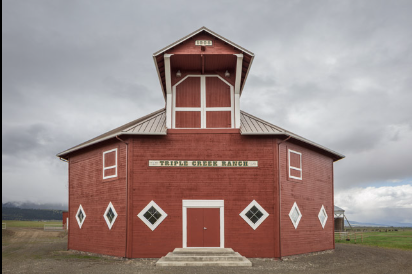
Chapter 4: Correcting Distortion |
|||
|
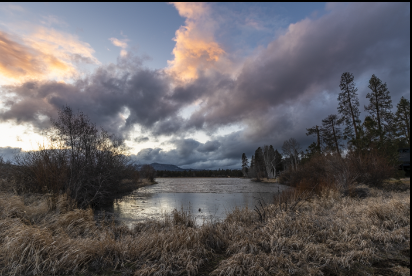
|
||
|
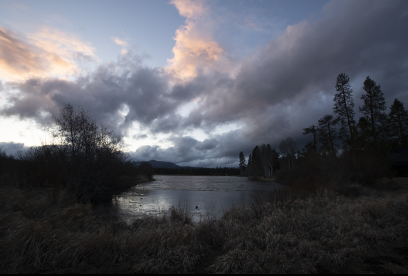
Chapter 5: Exposure Blending in Lightroom only |
|||
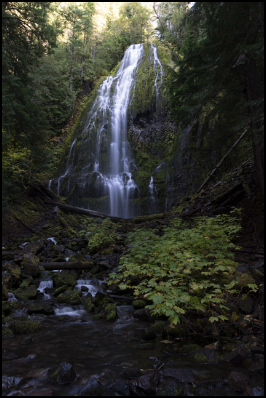
|
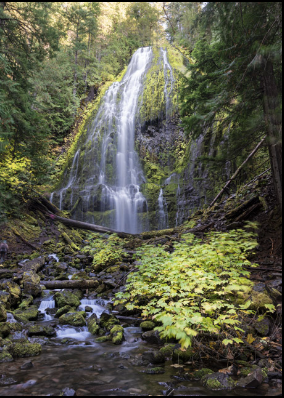
|
||
|
Chapter 6: Luminosity Blending in Photoshop |
|||
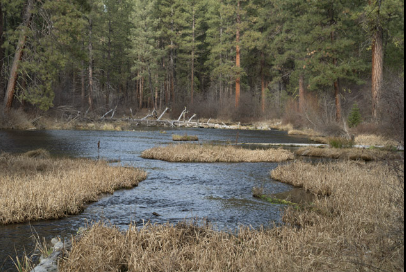
|

|
||
|
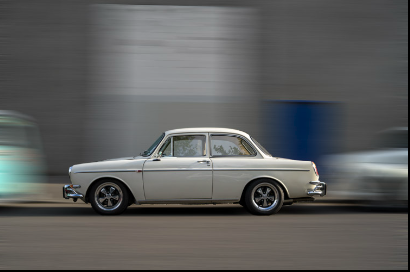
Chapter 7: Lightroom Masking Tools |
|||

|
|
||
|
Chapter 9: Creative Effects - The Adamski Effect |
|||
|
|
||
|
Chapter 10: Advanced Exposure Blending in Photoshop |
|||
|
What's Included |
|||
| Video chapters and raw image files: | |||
|
Chapter 1: Single Exposure Blend in Photoshop
Chapter 2: Milky Way Processing (Lightroom only and advanced techniques in Photoshop)
Chapter 3: Adding Depth
Chapter 4: Correcting Distortion
Chapter 5: Exposure Blending in Lightroom only
Chapter 6: Luminosity Blending in Photoshop
Chapter 7: Lightroom Masking Tools
Chapter 8: Milky Way Stacking for Noise Reduction
Chapter 9: Creative Effects - The Adamski Effect
Chapter 10: Advanced Exposure Blending in Photoshop
Raw image file for all chapters
|
|||
|
Purchasing the Video Series |
|||
|
The cost for everything is ONLY $24.95. To purchase this video series click the "Pay Now" button to the right (secure payment through PayPal). Once payment is received, an email will be sent with a link to a Google drive folder with all of the videos and supporting materials. |
|||
|
|
|||
 This site created and maintained by Gregg Kerber. Copyright © 2010. All rights reserved.